Contact Form

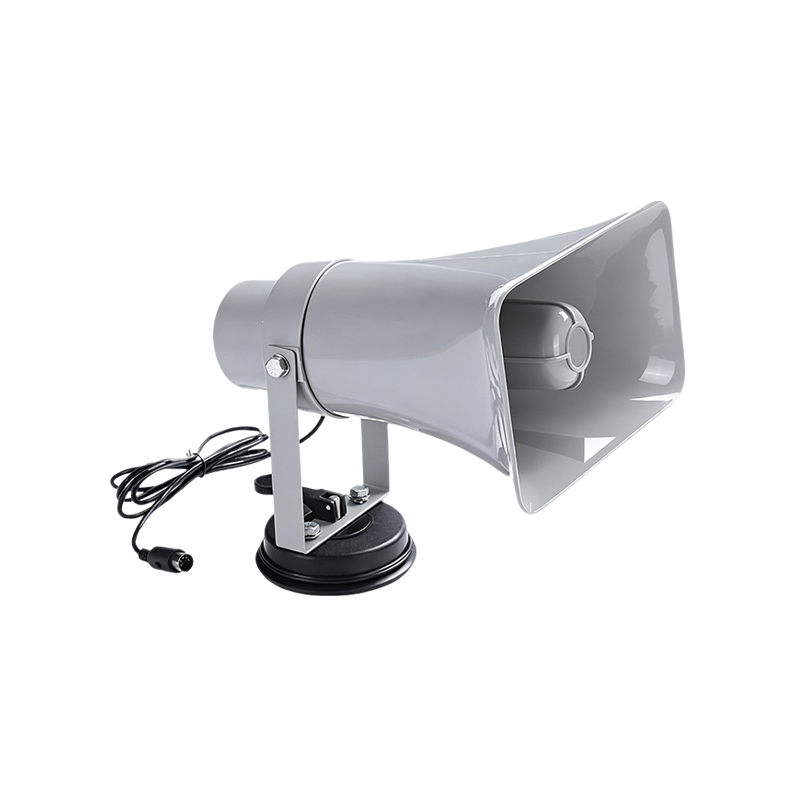
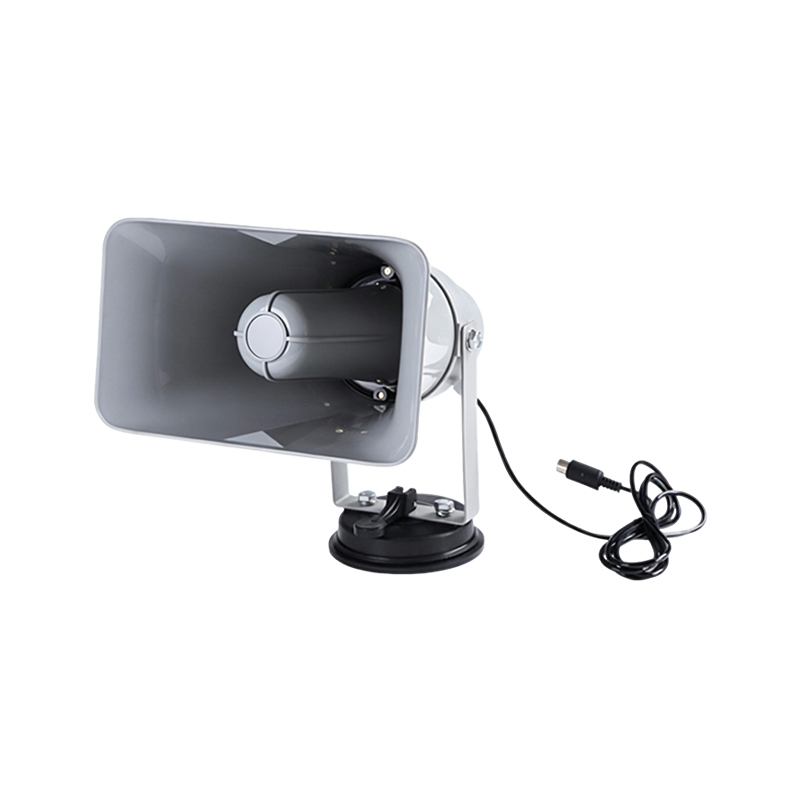
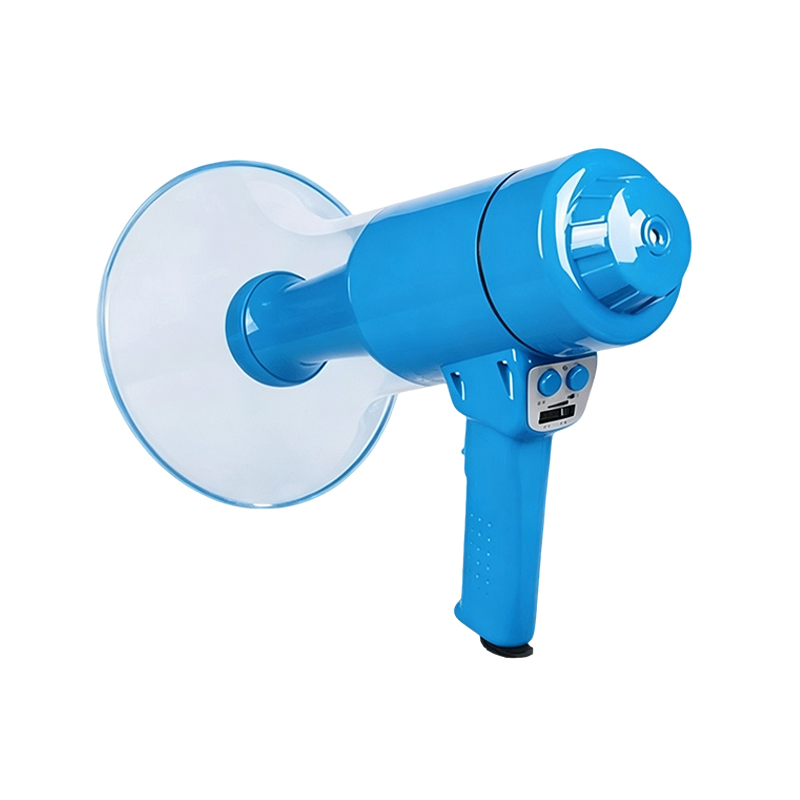
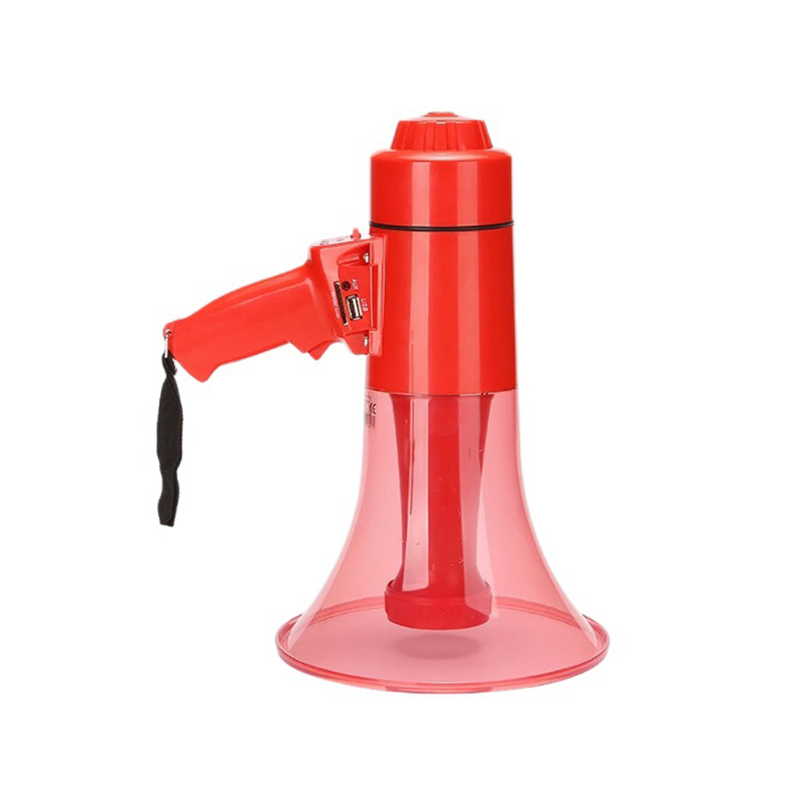
Car Megaphone

  • Product Name: Car Megaphone

  • Weight: Approx. 2.14 kg

  • Peak Power: 50W high power

  • Effective Range: Approx. 1 km – 1.5 km

  • Material: ABS impact-resistant material

  • Functions: Supports USB / TF card / AUX interface – 120-second recording – alarm / siren

  • Voltage: 12V safe voltage

  • Dimensions: 30 x 25 cm

  • Product Features: Windproof and waterproof design – vehicle charging – 120-second recording without card – central horn system – clear and powerful sound, etc.


Description

Vehicle Promotion Speaker

  • 50W High Power – 1000-Meter Transmission Distance

  • Multi-Function Handheld Mic – TF Card / USB / AUX

  • Continuous Power via 12V Vehicle Cable

  • Strong Suction Cup – Stable Even at 80 km/h

  • Weatherproof – IP66 Waterproof Rating

  • Full-Range Speaker System – More Convenient for Outdoor Use


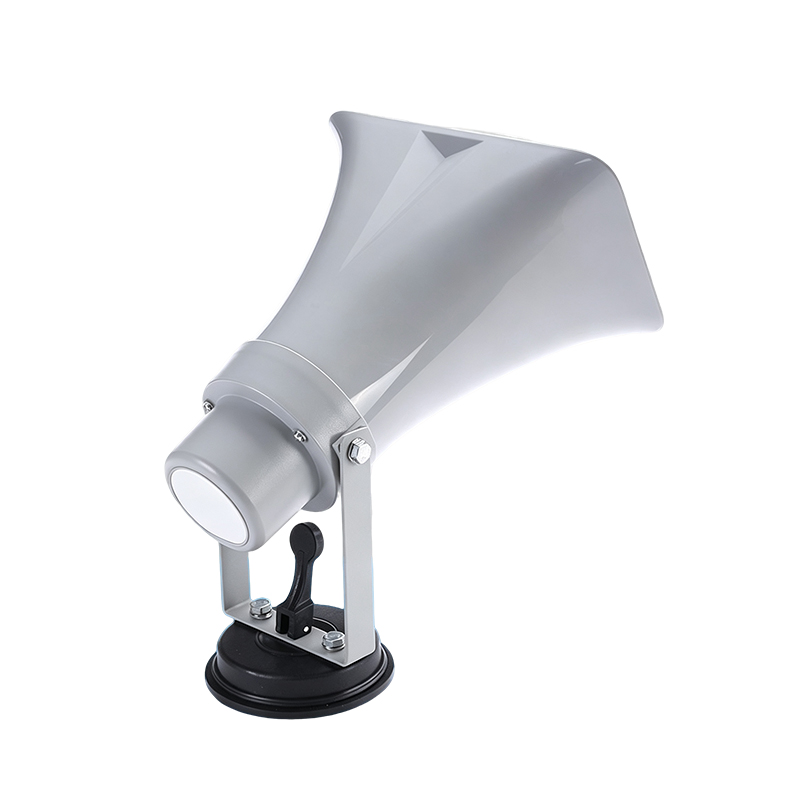
Strong Suction Cup – No Trace Left

Stable even at 80 km/h

As long as your vehicle is moving, it won't fall off

  • Adjust suction power with the base lever


Full-Range Speaker System

50W high power – 1000-meter transmission distance


12V Safe Voltage

Vehicle power supply – more convenient – longer promotion time

Dual power options: vehicle cable / charger – both can supply power

  • 12V power input port


Handheld Mic Control Buttons

Handheld mic for easy and safe voice amplification

  • Dustproof microphone opening for voice amplification

  • USB / TF / AUX function switch

  • Play recording

  • Whistle / Siren

  • Short press: Next Track – Long press: Volume Up

  • Power switch

  • Play / Pause

  • Remember to press and hold the button for voice amplification / recording

  • Record

  • Air raid siren

  • Short press: Previous Track – Long press: Volume Down

  1. Handheld Mic – Top Section

    USB / TF / AUX Ports

  2. Connect the handheld mic to the megaphone – press the power button – wait for the indicator light to turn on.

  3. Insert a USB drive / TF card into the top port – press the play button.

  4. To switch audio sources – press the M button after changing the source.

  5. For voice amplification – press and hold the SPEAK button.

  6. For recording – first press the REC button – then press the SPEAK button to start recording.


Megaphone Dimensions


FAQs

REQUEST A QUOTE

REQUEST A QUOTE